Systematical Packing: How the Standardized Creation of Packages in SAP TM Supports Employees
August 8, 2023 | Reading time: Approx. 7 minutes

Consultant SAP TM at FIS
The standardized creation of packages can be used to optimize the entire supply chain and, at the same time, reduce the workload of your employees. This article describes how packages are created in SAP TM and what setting options are available.
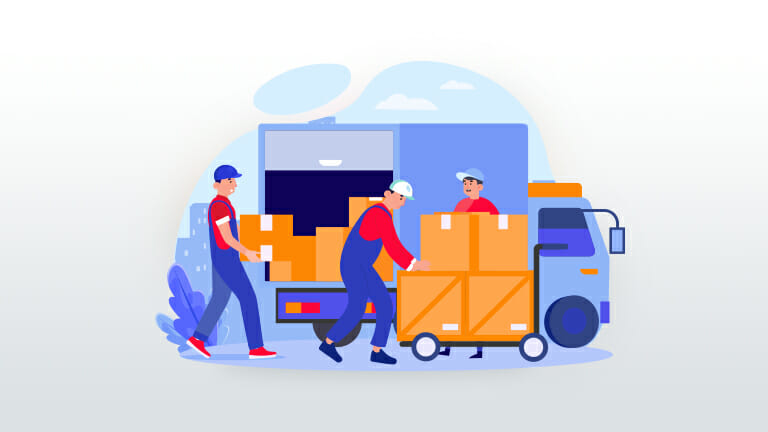
Do you know that? There are countless packages that must be united in a handling unit in the best possible space-saving way. This packing process is often lengthy and inefficient: Pallets are not utilized optimally or products are damaged during transport due to incorrect piling or cardboard boxes being crushed by heavy products lying on top of them.
Combining different products in standardized packages is an enormous challenge for warehouses with a high variety of products. The optimization of this process does not only mean the saving of time and resources but also the reduction of costs for packaging materials – an important step towards Green Logistics.
The “standardized creation of packages (eEP)” function of SAP Transportation Management can be used to easily combine more products in packages and, consequently, ideally utilize means of transport.
The use of SAP Transportation Management (TM) enables the mapping of all transport processes of your company from inbound and outbound freights and transportation planning to freight settlement with subsequent invoice verification.
How does the standardized creation of packages in SAP TM work?
The software solution for creating packages in SAP TM assists the packing staff in their complex packing process by generating proposals for combining products on one pallet on the basis of various master data/Customizing settings.
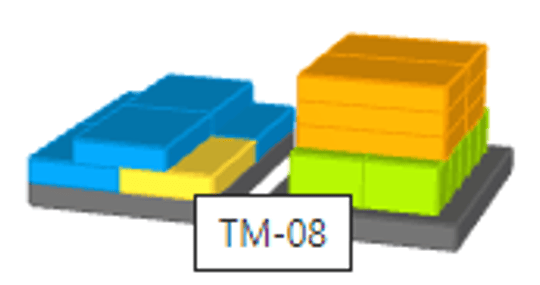
Moreover, a 3D display of the calculated package can be used as a central planning tool both in the transport cockpit and in a separate application.
A central advantage of package creation is that transportation planning can be based on handling units (HU). Packages planned by the system can be used to plan material requirements on the basis of handling units.
It is also possible to automatically create packages in freight units directly after the creation of a delivery. Alternatively, the creation of packages can also be triggered manually. This improved planning accuracy increases the utilization of loading space and saves precious costs.
However, your solid and consistent master data management is indispensable to use the chances of this functionality. It may be impossible later in the process to pack the package according to the specifications due to missing or wrong data, such as minimal variances in length or weight.
What setting options are available?
When creating packages, different settings can be made. They depend on material, business partner and location:
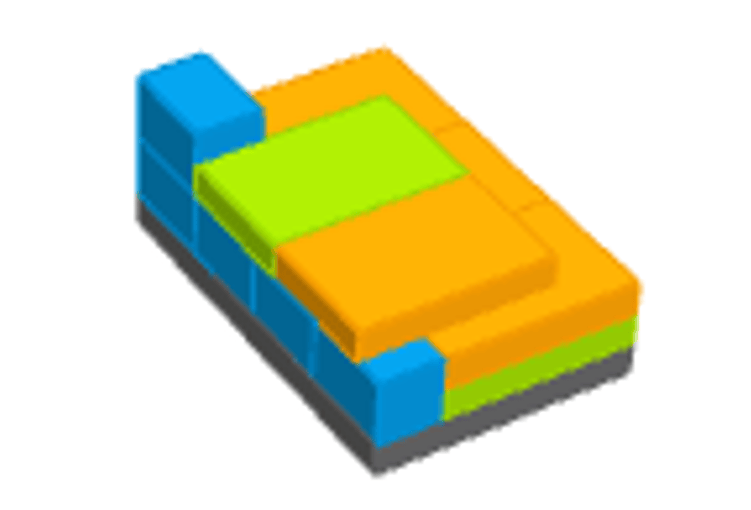
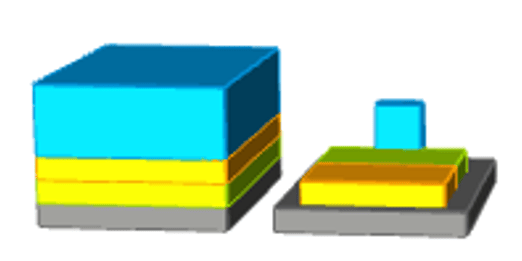
The stacking factor specifies how many products may be stacked on top of each other.

In addition, diverse Customizing settings enable users to centrally influence the creation of packages in a cross-client or cross-system manner:
In addition to the standardized creation of packages, SAP TM also provides the option of using packing instructions or packaging specifications:
How can planned shipping HUs be integrated into SAP TM and SAP EWM?
If SAP TM sends a freight order to the SAP EWM system by means of a loading instruction, it will automatically create the corresponding transportation unit. When creating the outbound delivery in the SAP ERP SD module, the delivery order will be generated in SAP EWM in addition. The transportation unit can be found at the level of this delivery order.
After creation of the transportation unit and the packages in SAP TM, planned shipping HUs are generated in SAP EWM at the same time, which reflect the packages from SAP TM. After picking, the goods can be loaded onto the transportation unit and completed successfully due to precise transportation planning based on the same knowledge of SAP TM and SAP EWM packages.
System Prerequisite
SAP TM – Some of these functions can be used in combination with a connected SAP EWM system. However, companies can enjoy benefits even without an integrated Warehouse Management system.
Conclusion
The standardized creation of packages is not only used to facilitate the daily work of packing staff. The entire process along the supply chain from warehouse to delivery can also be optimized using the functionality and integration of SAP TM and SAP EWM.
In addition to increased transparency, factors such as time and cost saving due to the specification of product items on the pallet provide companies with added value and ensure a more efficient procedure within the goods issue process.

Questions about this topic? Our team will be happy to assist you personally.

Read, take a look, inform yourself
In our download section, you will find a large number of SAP contents worth knowing – expert talks, white papers and flyers. To find right away what you are looking for, please use the filter function for topics and content type.
